PRACTICAL DATA RECOVERY GUIDES
Lost important files?
Start with your next step.
A computer that will not start. Photos that have disappeared. A drive asking to be formatted. We help you work out what to do first, when to get help and what recovery might cost.
Find your next step Compare recovery costs →
COSTS AT A GLANCE
What might professional recovery cost?
Published provider examples, not an estimate for your device.
Prices checked 2 October 2026. Software licences are a different purchase. Compare prices, exclusions and sources →
NEED HELP RIGHT NOW?
Computer died or files disappeared?
Start with what happened. You do not need to know the technical name of the fault.
Protect the files first. Avoid formatting, resetting or reinstalling on storage that holds your only copy. If a drive is unusually noisy or has physical damage, stop using it and get specialist advice.
Computer won't start?
That alone does not tell you whether the files are lost. From another device, check for a usable backup or cloud copy. Tell anyone repairing the computer that preserving your files comes first.
Protect your files when the computer will not start →Deleted files or formatted a drive?
Stop saving anything to the affected storage. Check the Recycle Bin or Trash and backups from another device where possible. Software may be an option, but do not install it on the affected drive or recover files back to it.
Check whether software is the right route →Noisy, damaged or failing drive?
Power it off. Avoid repeated scans, power-ups or opening the drive. When the files are irreplaceable, an assessment is a better first step than experimenting.
How to choose professional help →Asked for a BitLocker recovery key?
Look for the key in the Microsoft account used to set up the device, or ask your work IT team. Do not reset the computer just to get past the screen if you need its files.
Find your BitLocker recovery key ↗ (Microsoft, new tab)Why these first steps?
Based on Ontrack's data-loss checklist, its damaged-drive guidance and Microsoft's BitLocker guidance, checked 2 October 2026. These routes help you choose a next step; they do not diagnose your device.
START WITH YOUR STORAGE
Different devices. Different questions.
Find out what affects the cost and what your quote should include.
Hard drives
Internal and external HDDs, desktop PCs and laptops.
Read recovery guidance →SSDs
SATA, NVMe and external SSDs.
Read recovery guidance →USB & memory cards
Portable drives and camera or device memory cards.
Read recovery guidance →RAID & NAS
Multi-drive systems and shared business storage.
Read recovery guidance →FROM DATA LOSS TO YOUR NEXT STEP
Your recovery journey.
Choose the route before comparing the price.
- 01
Identify the problem
Note the device, missing files and what happened.
- 02
Choose your route
Compare software with specialist assessment.
- 03
Check the terms
Understand the licence or quote and all charges.
- 04
Verify the files
Check that the recovered files you need open correctly.
- 05
Protect your data
Build a backup plan for the files you cannot replace.
GUIDES THAT HELP YOU DECIDE
Make sense of your options.
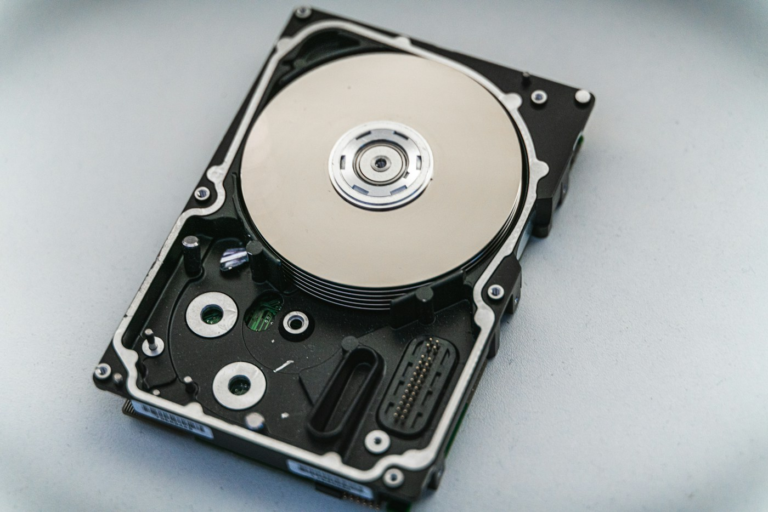
How much does data recovery cost?
Compare published prices, extra charges and what to ask before accepting a quote.
Read the cost guide →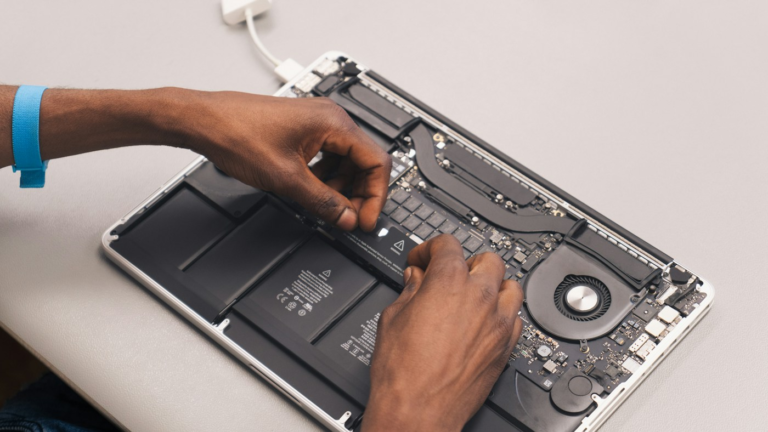
Choose a recovery service
Ask the right questions before handing over your device.
Read the service guide →
Software or a specialist?
Compare the route, limitations and purchase you are making.
Compare your options →Illustrative photos: Nick, Revendo and Samsung Memory / Unsplash. Photographs do not depict our own recovery testing.