At a glance: Choose a recovery provider by checking its assessment process, written quote, definition of success and handling of your files. Use the checklist below to compare offers on the same basis.
Handing over the only copy of your photos or work files is a big decision. Start with three questions: can this provider handle your problem, what could you owe, and how will you check the files it gets back? You can use the checklist below during your first call.
A quick terminology check: “Data recovery service” means the professional help you are buying. We use “provider” for the company and “laboratory” or “lab” for the facility doing specialist recovery. An assessment or diagnosis investigates the problem; recovery is the work to retrieve your files.
Repair shop or recovery laboratory?
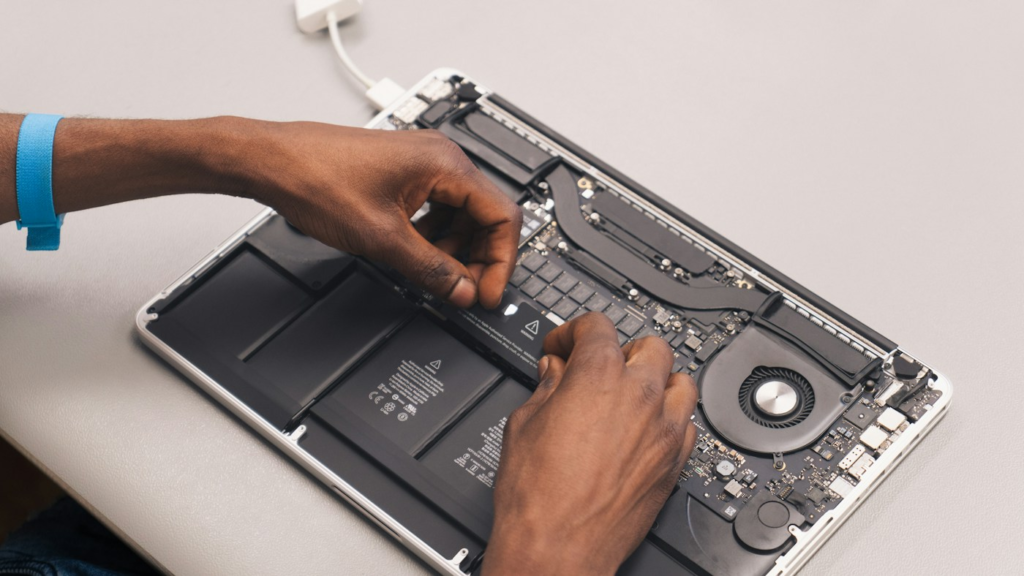
If the computer has a power or display fault and its storage remains intact, a repairer may be able to preserve and copy the files. If the storage itself is damaged or unstable, a specialist assessment may be needed. Ask what has actually been established rather than treating either route as automatic.
| Ask | Why it matters |
|---|---|
| Will you copy files, repair the computer, or investigate storage failure? | These are different jobs. Agree the priority before work starts. |
| Do you do the data work here? | A shop may act as an intermediary. Identify the laboratory and any referral or handling charges. |
| Can you assess my exact storage and fault? | Ask specifically about SATA/NVMe SSDs, encrypted devices or RAID when relevant. |
| Will you preserve the original before making changes? | Agree what can be done without further approval, and whether your original device is returned. |
Your first call: a practical script
“I have a [device/model]. It stopped working after [event]. The files I need are [folders/types], and I have [complete/partial/no] backup. I have already tried [steps]. Can you assess this case, what might I owe at each stage, and how can I check the result before accepting it?”
You do not need to invent a diagnosis. A clear timeline is more useful than guessing “the controller failed”. For a non-starting computer, explicitly say that file preservation takes priority over a reset or reinstall.
Before sending your device
- Get the job reference, destination and assessment terms in writing.
- Ask the provider what to send and how to pack it; do not dismantle unfamiliar hardware to save shipping.
- Record models and serial numbers where readily accessible, and keep your enquiry and quote.
- Agree a secure channel for any credentials later needed, rather than including keys in the parcel or first email by default.
- Confirm who pays return shipping if you decline the quote.
For RAID/NAS cases, record drive positions and follow the specialist’s requested inventory. Our multi-drive guide explains why an unrecorded change can complicate assessment.
What counts as a useful recovered result?
Write an acceptance checklist around your files: the latest accounts spreadsheet opens and contains the expected period; photographs display at full size; the required videos play; an archive extracts. For a database or virtual machine, agree what your technical team must validate. A file count, byte count or screenshot of names is not enough on its own.
Ask what happens if some important files are missing or damaged. Keep the original and the delivery copy until you have made a separate backup and checked the result. We do not rank a provider simply because it offers a commission.
Prepare a useful enquiry
Write down the device make and model, its capacity, what happened and any error messages. Include whether it was dropped, exposed to liquid or already examined elsewhere. Give the provider a factual account; avoid guessing a diagnosis.
List your essential files separately from everything else. “The accounts folder from the last financial year” is a clearer target than “all my important data”. For a business, identify the person authorised to approve a quote.
Our suggested enquiry contains four parts: device details, a short timeline, priority files and your deadline. Ask how credentials should be supplied securely if the provider later needs them. Do not include them in an ordinary introductory email.
Ask what the assessment establishes
Find out whether the assessment is performed by the laboratory that will do the recovery or by an intermediary. Ask whether the device is sent elsewhere, and where your files will be handled.
Request an explanation of what has been established and what remains uncertain. Secure Data Recovery describes assessment followed by a quote for the required scope of work; its published process is one example of that approach.
Check the charge if you stop after assessment. Record return shipping, any diagnosis fee and whether the original device is returned. This is especially useful when comparing more than one offer.
- 01
Identify
Record the device and what happened.
- 02
Choose
Software or specialist assessment?
- 03
Check
Confirm scope, costs and conditions.
- 04
Verify
Check the files you need open correctly.
- 05
Protect
Back up recovered files.
Suspected physical damage or a failing device needs specialist assessment. Keep the device powered off rather than trying repeated scans.
Get an itemised written quote
Ask for the recovery charge, taxes, parts, delivery method, shipping and optional urgency premium. If something is marked “from” or “subject to assessment”, request the next step needed to obtain a firm proposal.
The following questions are our suggested minimum before you approve:
- What work is included in this price?
- What could make the price rise?
- Will you ask me before ordering parts or doing additional work?
- What do I owe if recovery is unsuccessful?
- What do I owe if I decline a partial result?
- How and when will the files be returned?
Keep the quote and the applicable terms together. A reassuring headline on a website is less useful than the conditions attached to your own job.
Agree how you will verify the result
Discuss your priority files before the recovery starts. Ask whether you can review a listing, sample preview or another verification method before accepting the outcome. Find out whether the quoted percentage describes files, bytes or readable sectors.
For business files, agree who will perform the acceptance check. A spreadsheet opening successfully is a useful check, but the right person also needs to confirm it is the expected version and contains the required records.
Use a short acceptance note: essential folders, acceptable delivery method and who signs off. This is our practical recommendation for preventing misunderstandings; individual providers may offer different verification processes.
Discuss confidentiality and retention
Ask where the device is stored, who can access recovered files, whether subcontractors are used and how the returned copy is protected. For sensitive business information, involve the person responsible for information security before sending media.
Ask how long the provider retains the device image or recovered copy after delivery and how deletion can be requested. Explain any contractual requirements before accepting the job rather than assuming a standard service covers them.
For an encrypted device, establish a secure way to provide any needed recovery key. Keep a record of what you have supplied and to whom.
Use a comparison sheet
| Compare | Record for each offer |
|---|---|
| Scope | Device, work and priority files |
| Cost | Total if successful, unsuccessful or declined |
| Delivery | Expected timing, transfer media and shipping |
| Verification | How you can check the files |
| Handling | Laboratory location, access and retention |
Our advice is to select the offer with a clear fit for your needs and an understandable total. If a question matters to your decision, get the answer in writing.
Frequently asked questions
Should I choose the cheapest quote?
Compare the scope and total charges first. Our recommendation is to choose an offer you understand and that fits your priority files and deadline.
What should I ask about unsuccessful recovery?
Ask what counts as success, which fees remain payable, and what you owe if you decline a partial result.
Do you recommend a particular laboratory?
This guide provides a comparison checklist. We have not tested or ranked the laboratories referenced as sources.
Sources and methodology
Provider-process reference: Secure Data Recovery: how it works, checked 2 October 2026. The enquiry, comparison and acceptance checklists are our editorial recommendations. This guide does not certify or rank a particular laboratory.
Read our editorial policy and affiliate disclosure for how we evaluate guidance, distinguish research from hands-on testing and explain commercial relationships.